All-In-One Touch Computers Applications
Start with the way the display will be used. These planning notes help shape a useful hardware inquiry; they are not claims of completed installations.
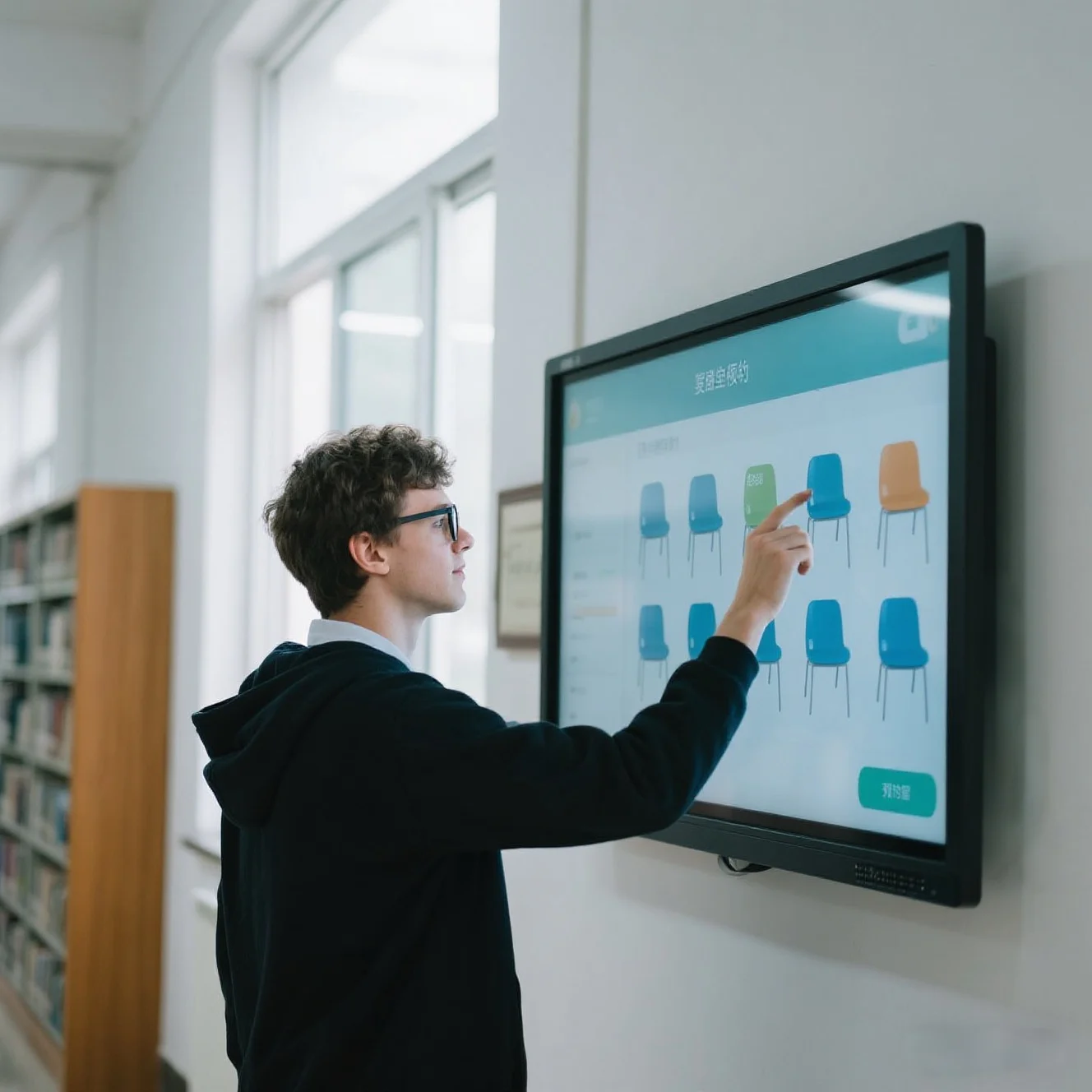
One display. Your application.
Bring the display and computer into a single commercial touch platform. Discuss Android or Windows configurations for wall-mounted interfaces, self-service projects and custom integrations.
Self-service projects
Start with the application workflow, then agree the operating system and any peripheral connections needed for the complete installation.
Explore suitable hardware ↗Commercial wall interfaces
Plan a fixed touch interface for a specific room or service area. Review mounting position, power access and maintenance needs.
Explore suitable hardware ↗Retail information
Create an interface for visitors to explore information. Your application and content determine the experience; hardware selection follows that brief.
Explore suitable hardware ↗Project integration
Give your software and installation teams the same configuration record. Validate the actual application on a sample before rollout.
Explore suitable hardware ↗Let’s specify your next display project.
Share the application, quantity and destination. We’ll discuss the configuration your project needs.